How Canva Can Streamline UI/UX Design Workflows
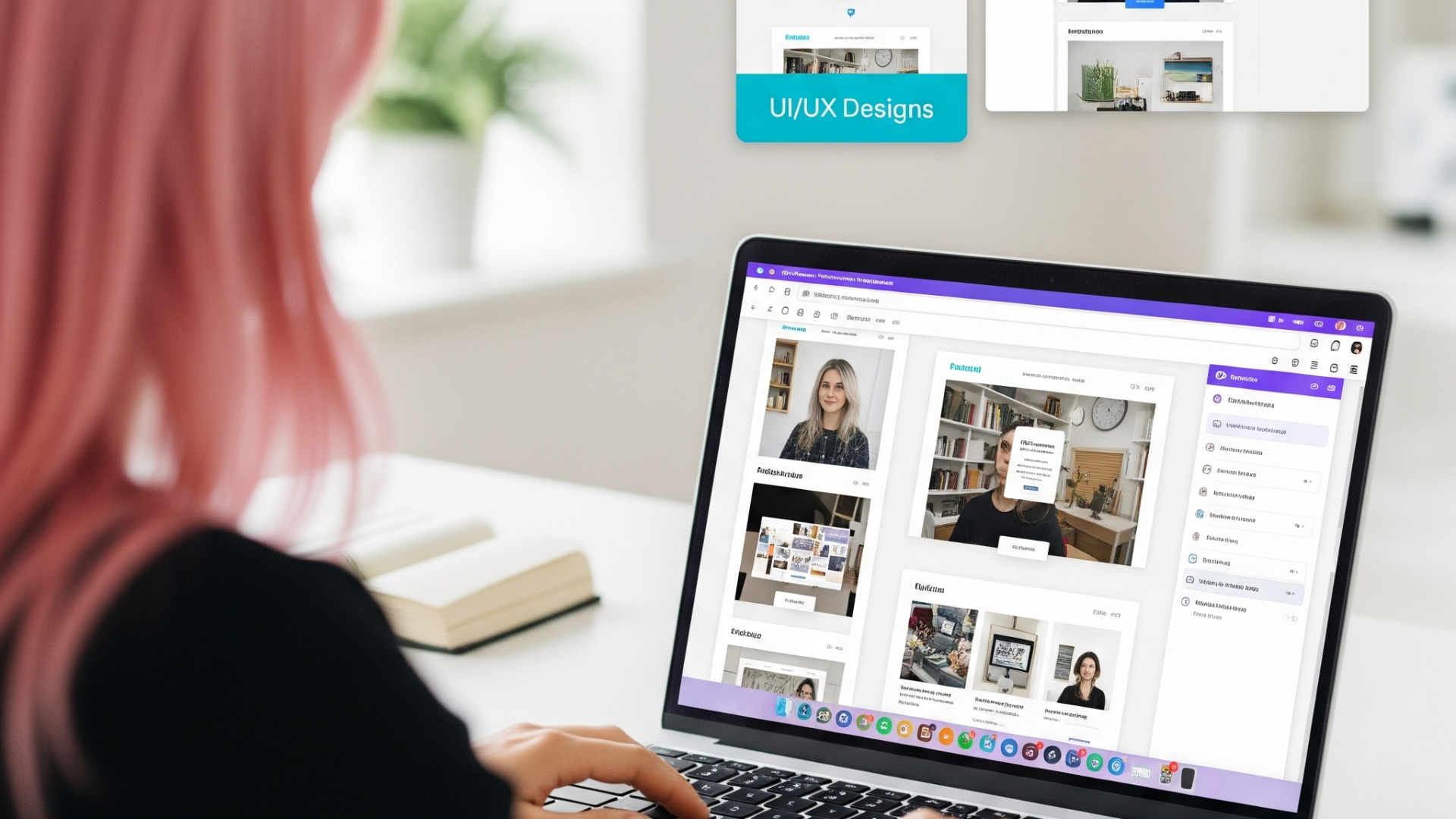
How Canva Can Streamline UI/UX Design Workflows
As UI/UX designers, we often gravitate toward industry-standard tools like Figma, Sketch, or Adobe XD. However, Canva—a platform typically associated with social media graphics and presentations—has evolved into a surprisingly useful tool for website design workflows. In this article, I'll explore how Canva can complement your existing UI/UX design process, especially for early-stage projects and cross-functional collaboration.
Rapid Prototyping for Early Concepts
When starting a new website project, speed often matters more than pixel-perfect precision. Canva excels in this area:
Website Templates as Starting Points
Canva offers hundreds of website templates that serve as excellent starting points for wireframing. While you wouldn't use these templates for final implementation, they can quickly help you:
- Explore different layout options
- Test various content hierarchies
- Experiment with different visual styles
Using templates accelerates the initial ideation phase, allowing you to present multiple directions to stakeholders before investing time in detailed designs.
Drag-and-Drop Speed
The intuitive drag-and-drop interface allows designers to assemble mockups rapidly. For early client presentations or internal discussions, Canva enables you to create visually appealing concepts that communicate the core idea without requiring extensive design time.
Bridging the Designer-Client Communication Gap
One of Canva's greatest strengths is its accessibility to non-designers:
Collaborative Feedback
Canva's commenting and real-time collaboration features make it an excellent platform for gathering feedback from clients who might be intimidated by more technical design tools. Clients can:
- Leave specific comments on design elements
- Make simple edits themselves to demonstrate their ideas
- View design iterations in real-time during virtual meetings
This level of engagement helps prevent miscommunication and reduces revision cycles.
Design System Documentation
While not a replacement for dedicated design system tools, Canva can be useful for creating visual documentation of your design system for non-technical team members:
- Color palette references
- Typography examples
- Component showcases
- Pattern libraries
These documents can serve as accessible references for content creators, marketers, and other stakeholders who need to understand design guidelines without having to navigate complex design software.
Asset Creation for Web Projects
Beyond prototyping, Canva offers practical tools for creating various web assets:
Consistent Social Media Graphics
Websites typically need accompanying social media assets. Canva streamlines this process by:
- Providing templates sized correctly for each platform
- Offering easy resizing of existing designs for different platforms
- Ensuring brand consistency across all channels
Content Creation Support
Many UI/UX designers also support content creation. Canva excels at:
- Blog header images
- Infographics for complex content
- Interactive presentations
- Charts and data visualizations
These content elements can significantly enhance website user experience when integrated thoughtfully.
When to Use Canva vs. Specialized UI/UX Tools
Canva works best as a complement to specialized tools, not a replacement. Here's when to leverage each:
Use Canva When:
- You need quick concepts for early stakeholder presentations
- Working with non-technical team members who need to provide input
- Creating supporting graphic assets for a website
- Documenting design decisions for broader team consumption
- Prototyping simple website layouts
Use Specialized UI/UX Tools When:
- Developing detailed interactive prototypes
- Creating responsive designs with precise breakpoints
- Establishing comprehensive component libraries
- Working with complex interactions and animations
- Preparing designs for handoff to developers
Practical Tips for UI/UX Designers Using Canva
If you decide to incorporate Canva into your workflow, here are some practical tips:
-
Create a Brand Kit: Upload your client's fonts, color palette, and logos to ensure consistency across all designs.
-
Leverage Grid Layouts: Canva has built-in grid options that help maintain alignment and structure in your website mockups.
-
Build a Component Library: Create a dedicated Canva file with common UI components that you can copy and paste into new designs.
-
Use Smart Mockups: Canva's smart mockup feature allows you to place your designs into device frames for more realistic presentations.
-
Export Strategically: When moving from Canva to dedicated UI/UX tools, export high-resolution images or PDFs that can serve as visual references.
Case Study: Leveraging Canva for a Small Business Website
Recently, I worked with a small local business that needed a new website but had a limited budget. Here's how Canva played a role in our process:
-
Initial Concept Exploration: We used Canva to quickly create three different design directions, focusing on layout, color scheme, and overall feel.
-
Client Collaboration: The business owner, who had no design experience, was able to directly comment on elements they liked or disliked in Canva.
-
Content Assembly: We created image collages, simple infographics, and text layouts in Canva that would later be implemented in the final site.
-
Handoff Reference: While the final implementation was done in Webflow, our Canva designs served as clear references for the development team.
The result was a streamlined process that kept the client engaged and reduced the number of major revisions needed during implementation.
Conclusion
While Canva won't replace specialized UI/UX design tools, it offers unique advantages for certain aspects of the website design workflow. Its accessibility, collaboration features, and speed make it particularly valuable for early-stage designs, client communication, and supporting asset creation.
By strategically incorporating Canva into your process, you can:
- Accelerate initial design exploration
- Improve communication with non-technical stakeholders
- Create consistent supporting assets
- Document design decisions accessibly
As UI/UX designers, our ultimate goal is creating effective user experiences, and sometimes that means embracing tools that might not be traditional to our field but offer practical advantages for specific situations.